
Carlinkit
A calmer Android dashboard for every drive
Android Auto surfaces maps, media, and messages in a driving-friendly layout. Phone brands and head units differ—here is how to think about connection style, stability, and upgrades.
Like CarPlay, Android Auto ships in wired and (where supported) wireless forms. Cable quality, USB power, and OS version all affect handshake success.
If the factory radio lacks Android Auto, some owners add an aftermarket unit or bridge device; if only wired is supported, a wireless conversion may be available—always defer to the published compatibility matrix.

Stability
Wired: the widest compatibility baseline
Wired mode keeps data and power paths straightforward—ideal for road trips, hot cabins, or latency-sensitive use. Check port orientation, cable spec, and whether fast-charge protocols are preserved (vehicle dependent).

Convenience
Wireless: fewer steps each day
When supported, wireless Android Auto removes cable friction. Look for clear first-pairing steps, automatic reconnect behavior, and guidance on Bluetooth/Wi‑Fi permissions.
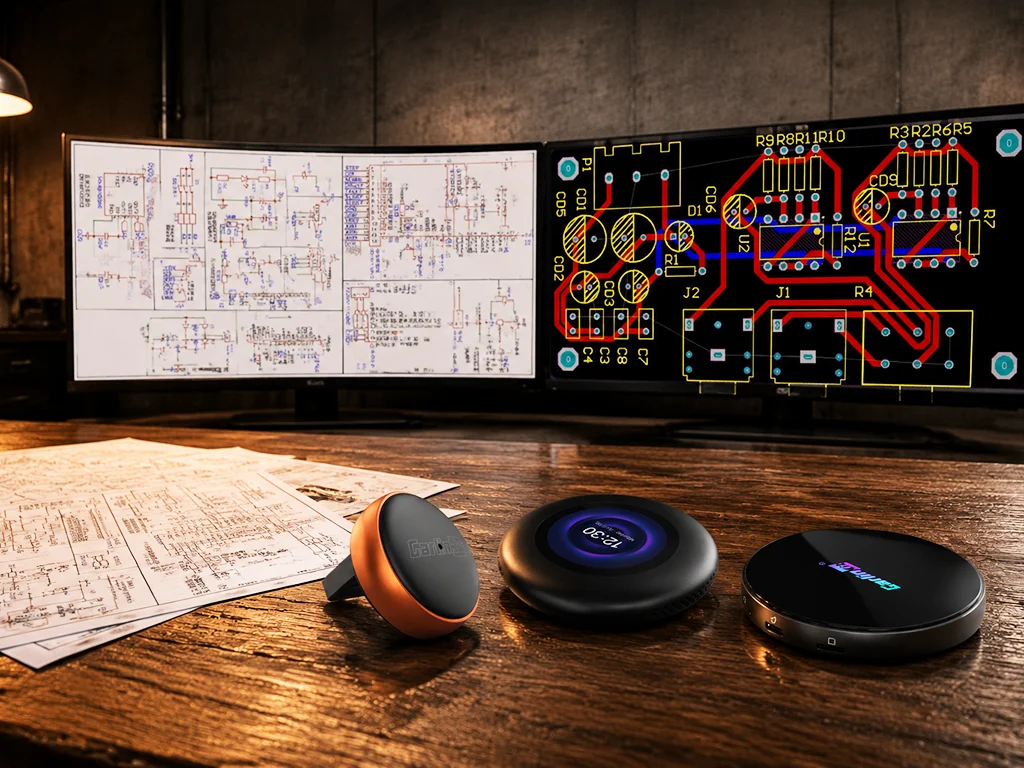
Choosing accessories across Android brands
The Android ecosystem is diverse. Prioritize SKUs that list tested phone families and OS bands, and leave room for firmware updates as vendors ship new releases.
Recommended products for Android Auto
Keyword-matched models; if results are thin, try broader terms or ask support.
No matches yet—try another keyword or open the full listing.
Four strengths of a focused Android Auto kit
From “it connects” to “it stays usable,” clarity and long-run cost matter.
Documented phone support
Less trial-and-error across OEM Android skins.
Simple mode switching
Easier hand-offs when multiple drivers share one car.
Better media/nav blend
Routing tuned for real driving instead of lab demos.
Update headroom
Firmware tracks evolving OS and protocol changes.
FAQ
Do Huawei phones work with Android Auto?▼
It depends on regional software policies—follow official guidance and the product matrix.
Wireless feels hot on the phone—what can I do?▼
Try wired mode, improve airflow, or reduce background tasks; behavior varies by handset.
Why does it charge but not mirror?▼
Cable, port negotiation, or head-unit detection may be at fault—use the troubleshooting flow in the manual.
Browse Android Auto products
Compare port types, protocol support, and firmware cadence against your vehicle.