
Carlinkit
Cabin entertainment: from listening together to sharing the link
Beyond phone projection, vehicles need music, calls, hotspot sharing, and multi-screen stories. This page frames Bluetooth, Wi‑Fi, and blended entertainment workloads.
Bluetooth excels at audio and telephony; Wi‑Fi carries higher bandwidth for some casting or LAN services. Vehicle audio architectures differ—confirm output paths and whether advanced codecs are supported end-to-end.
Rear-seat entertainment and multi-device concurrency stress thermals and CPU—often the line between consumer gadgets and fleet-grade hardware.
Audio
Bluetooth: efficient audio and calls
Watch codec support, echo cancellation for calls, and multi-device memory. Music-first owners should verify steering-wheel mapping and preferred codec paths.
Network
Wi‑Fi: throughput and resilience
In-car Wi‑Fi fights metal shielding and crowded channels. Better solutions explain mounting position, antenna orientation, and realistic range numbers.
Balance immersion with attention safety
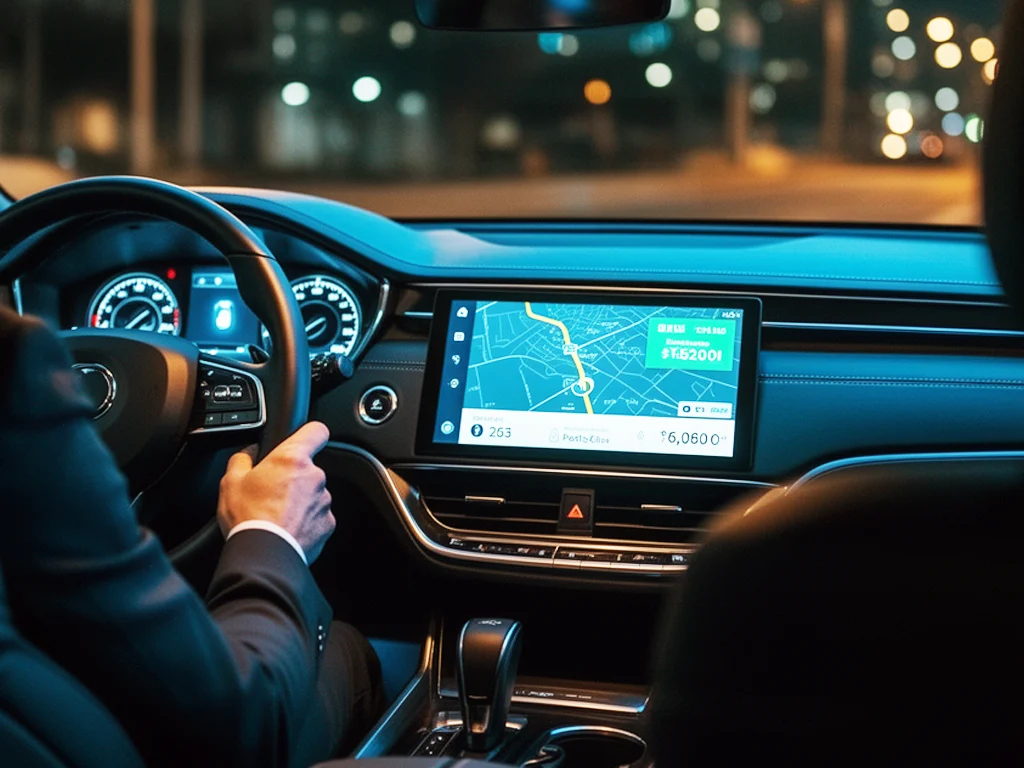
Richer entertainment should not compete with driving focus. Heavy interactions belong to parked or second-row contexts; behind the wheel, prioritize voice and steering controls.
Recommended cabin entertainment products
Keyword match for Bluetooth/Wi‑Fi oriented SKUs.
No matches—try “Bluetooth” or “WiFi” separately.
Four things worth checking
From pairing to soundstage to multi-device harmony.
Clear audio routing
Predictable mixing between nav prompts and media.
Stable links
Hold sessions across tower handoffs when possible.
Expandability
Firmware adds features as phones evolve.
Scenario guidance
Docs that cite typical installs and use postures.
FAQ
Is Bluetooth audio delay normal?▼
Bluetooth has inherent latency; video casting may need additional sync logic.
Can Wi‑Fi interfere with other gear?▼
Yes—dashcams, TPMS, or other 2.4 GHz devices may overlap; try new channels or relocate hardware.
Explore cabin entertainment products
Pair these ideas with your audio system and daily habits to pick a closer match.