
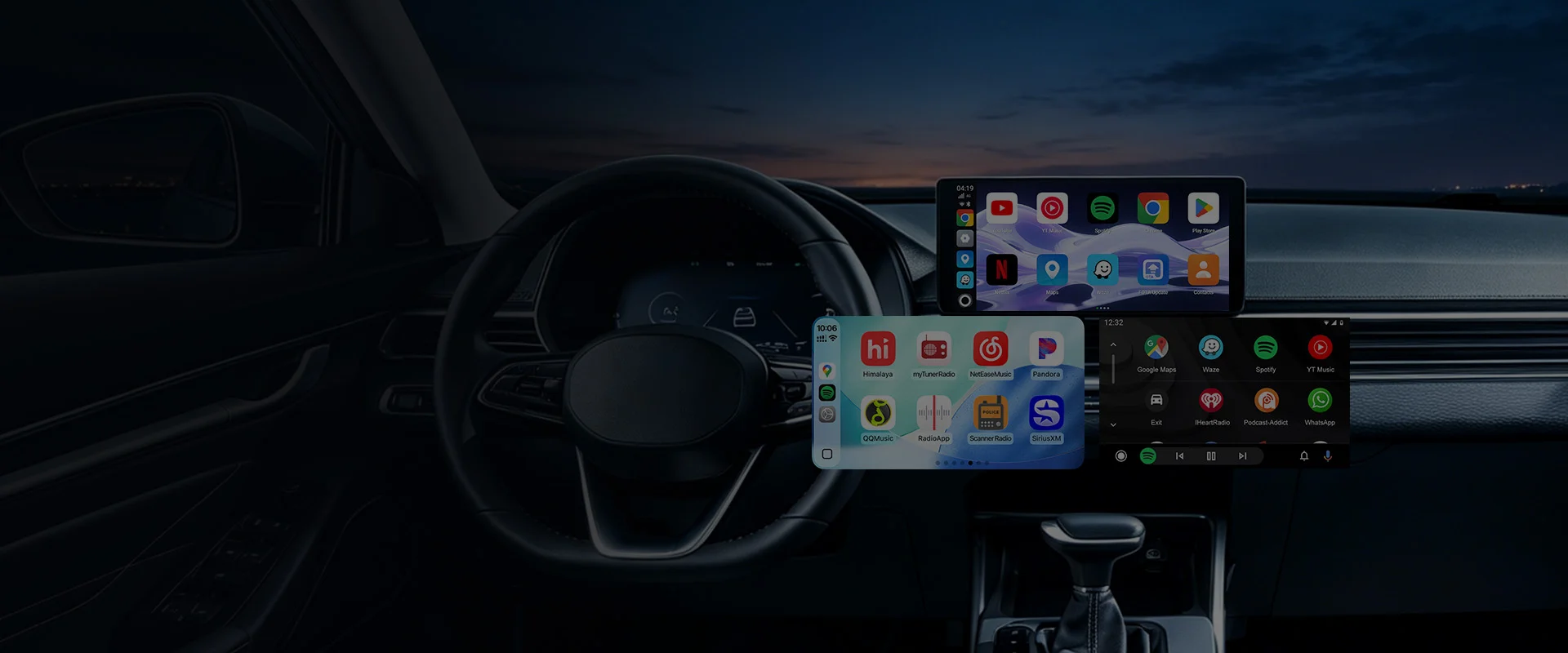
Carlinkit
Wired links: predictable paths, stable transport
Even as wireless grows, wired remains the choice for minimal latency, fewer variables, and broad head-unit support.
A wired topology is easy to reason about: one path from phone to head unit with less sensitivity to crowded RF environments. Drivers who care about navigation voice sync or lossless audio often start here.
Variables include USB generation, cable length/quality, and whether you must maintain charging power during projection.
Selection
Match ports and protocols
USB-A vs USB-C and charge-only vs data cables can look identical outside. Verify the car port, phone port, and in-box cables; keep a certified spare for travel.
Audience
Who benefits most?
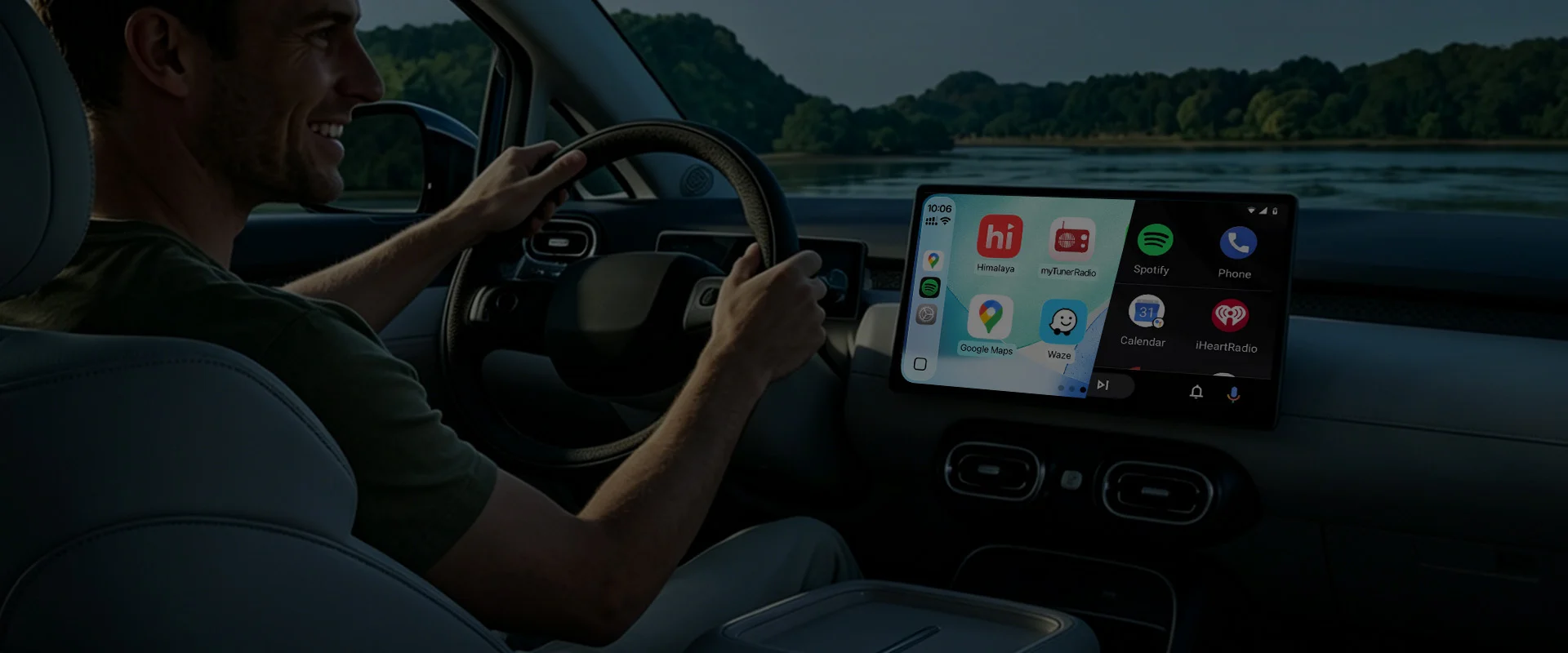
Fleet vehicles, long highway runs, older radios, or environments where wireless drops—wired first. Some products offer dual modes if you want wireless on weekends.
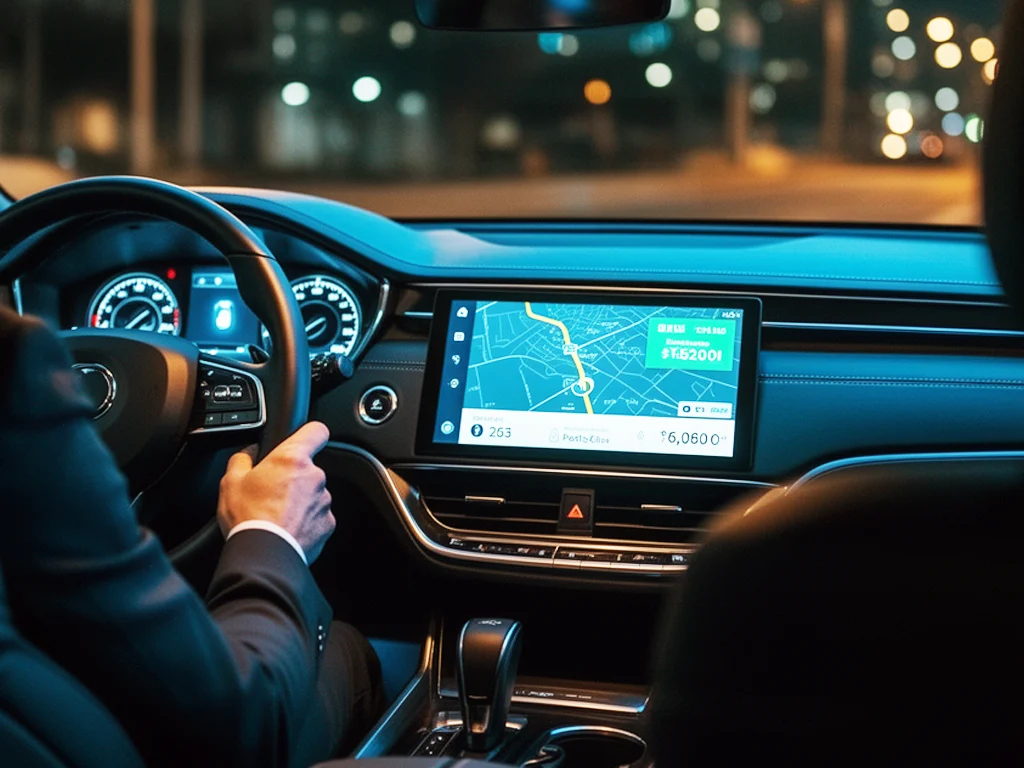
Treat the cable as part of the system
Poor cables cause handshake failures, audio crackle, or unstable power. Follow recommended gauges, avoid yanking while driving, and replace when worn.
Recommended wired products
Keyword “wired” plus filters for your catalog.
No matches—try full-text search or contact sales.
Four wired advantages
Reduce variables so the link stays boring—in a good way.
Lower latency
Better sync for navigation prompts and music.
RF resilient
Less impacted by crowded cabin wireless spectrum.
Broad head-unit fit
Older systems often expose the wired path first.
Easier triage
Swap cable or port to isolate faults quickly.
FAQ
Can I charge while wired?▼
Depends on the product and USB power budget—see the electrical section of the datasheet.
Why intermittent connection with the same cable?▼
Loose ports, internal cable breaks, or oxidized sockets—try another certified cable.
Explore wired products
Start from port and cable specs; favor SKUs with complete accessories.