
Carlinkit
Wireless: fewer motions, cleaner cabin
Wireless fits drivers who want “start and drive”—auto-reconnect, less cable clutter, and a tidier console.
Wireless stacks usually combine Bluetooth setup with Wi‑Fi throughput—so cabin RF, phone settings, and firmware all shape the experience. Strong products spell out recommended OS versions and vehicle preconditions.
If you often drive in dense urban RF, also plan for heat management and reconnect policy—that is where satisfaction is won or lost.

Experience
Auto-reconnect and multi-driver homes
Household cars rotate phones. Check whether switching primary devices is quick and whether a full power cycle is needed after a drop.
Guidance
Balancing wireless and wired
Some adapters allow mode switching or firmware profiles—use wired before a long haul for maximum conservatism, wireless for daily hops.
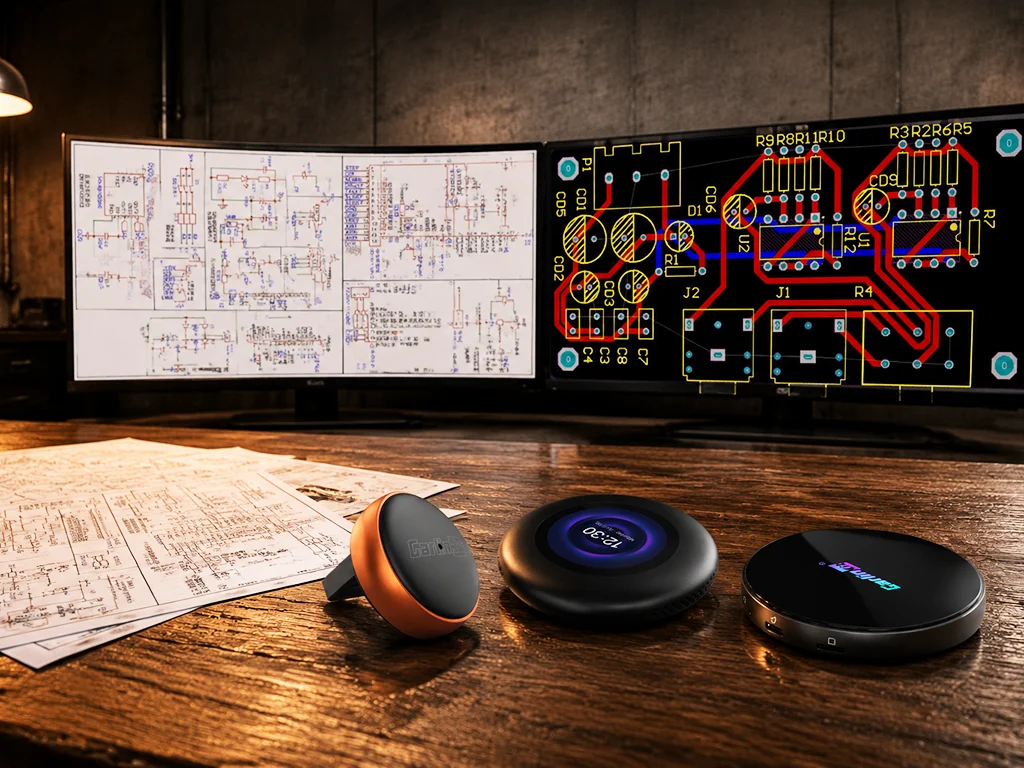
Stable wireless is an engineering problem
Antenna layout, thermals, and stack tuning show up over months, not minutes. Prefer vendors that publish update notes and offer reachable support.
Recommended wireless products
Keyword “wireless” across the catalog.
No matches—try alternate keywords or the full grid.
Four wireless upsides
Skip the plug so attention returns to the road faster.
Shorter startup ritual
Auto-connect saves parked configuration time.
Cleaner console
Less cable wear and tangle.
Great for short trips
Where plug/unplug happens many times a day.
Firmware polish
Continuous improvements to reconnect and compatibility.
FAQ
Does wireless use more phone battery?▼
Radios and processing can increase drain versus idle—varies by phone.
What if the session drops?▼
Restart the head-unit link, remove conflicting Bluetooth devices, or factory-reset the adapter per the guide.
Browse wireless products
Validate head-unit + phone pairs and read firmware notes before checkout.